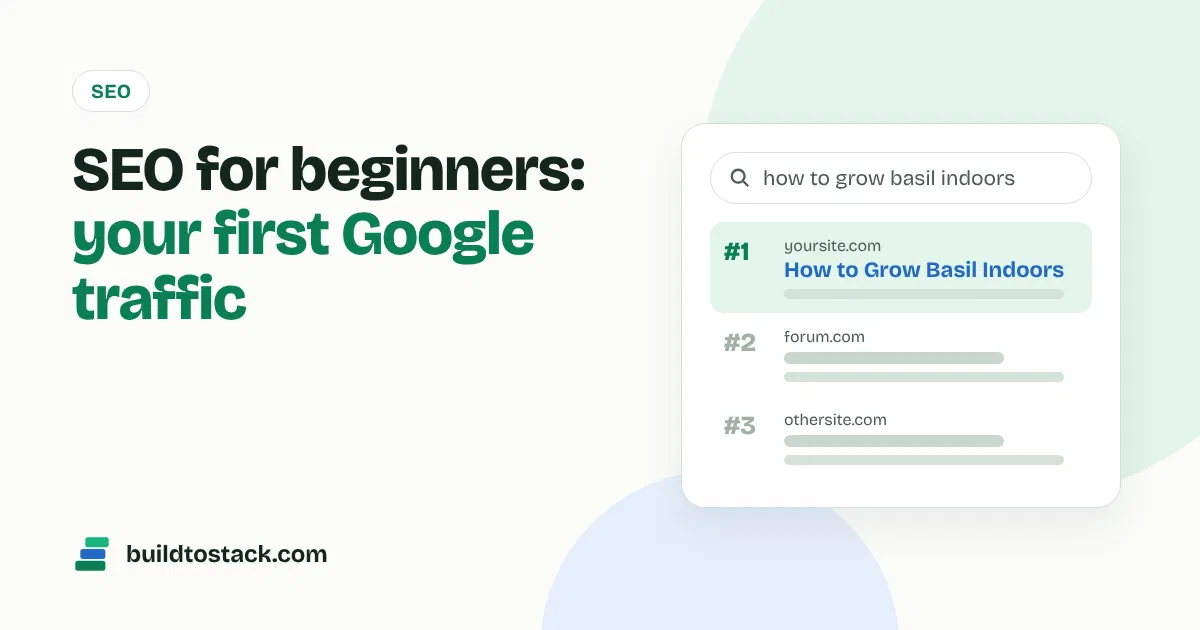
SEO (search engine optimisation) means making your pages easy for Google to find, understand and show to people searching. For a new site, it comes down to three jobs: write pages that answer real searches, make them easy to read, and connect them to each other.
You don’t need to be technical. This guide covers what matters in your first six months and skips what doesn’t.
How Google decides what to show
Google works in three steps, explained in its own SEO Starter Guide :
- Crawling: Google’s bot finds your pages by following links and reading your sitemap.
- Indexing: it stores what each page is about.
- Ranking: when someone searches, it picks the pages that answer best.
Your job is to make each step easy. A WordPress site with an SEO plugin like Rank Math or Yoast already handles most of the technical side, including the sitemap.
Step 1: Connect Google Search Console
Google Search Console is free and shows exactly which searches bring people to your site. Set it up on day one.
- Add your domain as a property and verify it. Rank Math’s setup wizard can do this for you.
- Submit your sitemap, usually
yourdomain.com/sitemap_index.xml. - Use URL Inspection to request indexing when you publish a new post.
After a few weeks, the Performance report shows the searches you appear for. Those are clues for your next articles.
Step 2: Find keywords people actually search
A keyword is the phrase someone types into Google. Each article should target one main keyword and answer it fully.
As a beginner, go for long-tail keywords: longer, specific phrases with less competition. “How to clean a cast iron pan with rust” is far easier to rank for than “cast iron pan”.
Free ways to find them:
- Google autocomplete: start typing your topic and note the suggestions.
- People Also Ask: the question boxes in Google results are ready-made article ideas.
- Google Trends: check whether interest is growing or fading.
- Google Keyword Planner: free with a Google Ads account, gives rough search volumes.
- Free tiers of Semrush and Ahrefs’ free keyword tools: limited, but enough to check difficulty.
A good beginner keyword has clear search interest, low competition, and results pages full of forums or thin articles you can beat.
Step 3: Match the search intent
Intent is why someone searches. Google shows the type of page that satisfies that reason, so check the top results before you write.
| If the top results are… | The searcher wants… | Write… |
|---|---|---|
| How-to guides | to learn or fix something | a step-by-step guide |
| “Best X” lists | to choose a product | a comparison or list |
| Product or shop pages | to buy now | (hard for a blog; skip) |
| Definitions | a quick answer | a short explainer |
Writing a long story when people want a quick list is the most common reason good articles don’t rank.
Step 4: Write a post that deserves to rank
Google’s guidance is simple: write helpful, reliable, people-first content. In practice:
- Answer the question in the first paragraph. Then explain the details.
- Use your keyword naturally in the title, the first paragraph, one subheading and the URL. Don’t repeat it unnaturally.
- Break it up with clear subheadings, short paragraphs, lists and tables.
- Add something others don’t: your own photos, tests, examples, numbers or experience.
- Write a title people want to click, under about 60 characters so it isn’t cut off.
- Write a meta description that summarises the answer. It doesn’t affect ranking directly but can win the click.
Step 5: Link your posts together
Internal links are links from one of your posts to another. They help Google find your pages and understand which are most important, and they keep readers on your site.
Every new post should link to two or three related posts, and you should go back and link older posts to the new one. Use descriptive link text like “our guide to affiliate marketing”, not “click here”.
Step 6: Make the site fast and mobile-friendly
Most searches happen on phones. Pick a lightweight theme, compress images before uploading, avoid stacking plugins, and use your host’s caching. Check your pages with Google’s free PageSpeed Insights.
Step 7: Earn links from other sites
Links from other relevant sites act like votes of trust. New sites can earn them by:
- creating something worth citing: original data, a free tool or a detailed guide;
- answering journalist requests on source platforms;
- getting listed in relevant directories and resource pages;
- writing guest posts for sites in your topic.
Be careful with bought links. Google’s spam policies treat links bought to manipulate rankings as link spam.
What to avoid
- Mass-produced pages. Since March 2024, Google treats publishing lots of pages mainly to manipulate rankings as scaled content abuse, whether people or AI write them. Using AI to help is fine; publishing unchecked AI articles in bulk is not.
- Keyword stuffing. Repeating a phrase over and over makes pages worse, not better.
- Copying other sites. Rewording competitors adds nothing Google can’t already show.
- Checking rankings daily. New pages move around for weeks. Judge results monthly.
How long does SEO take?
New pages on a new site usually take a few months to settle into stable rankings. Keep publishing on a schedule you can maintain, and check Search Console monthly to see which posts are gaining.
Your first-month SEO checklist
- Install Rank Math or Yoast and complete the setup wizard
- Connect Google Search Console and submit your sitemap
- List 30 long-tail keywords in your topic
- Publish your first 5 to 10 posts, each targeting one keyword
- Link every new post to at least two others
- Test your homepage and one post in PageSpeed Insights
The free Build to Stack starter kit includes a keyword research method using free tools and a 30-day plan for your first 20 pages. Get it on the homepage. Once traffic starts arriving, read How to Make Money With a Website.
2 comments